




How to use 1inch Wallet: a step-by-step guide

Get started with self-custody in minutes. Learn how to create a wallet, manage assets and interact with DeFi - all in one place.
You’ve heard about DeFi, and it sounds great - more control, more independence, more visibility into what actually happens with your funds. But how do you get started easily and stay safe at the same time? That’s where 1inch Wallet comes in.
What is 1inch Wallet?
1inch Wallet is a self-custodial, multi-chain mobile crypto wallet enabling you to:
- store digital assets
- swap tokens
- track the performance of your portfolio
- interact with dApps
- buying and selling crypto with fiat
This guide walks you through how to set it up and use it effectively.
Step 1: Create or import your wallet
Getting started takes just a few minutes.
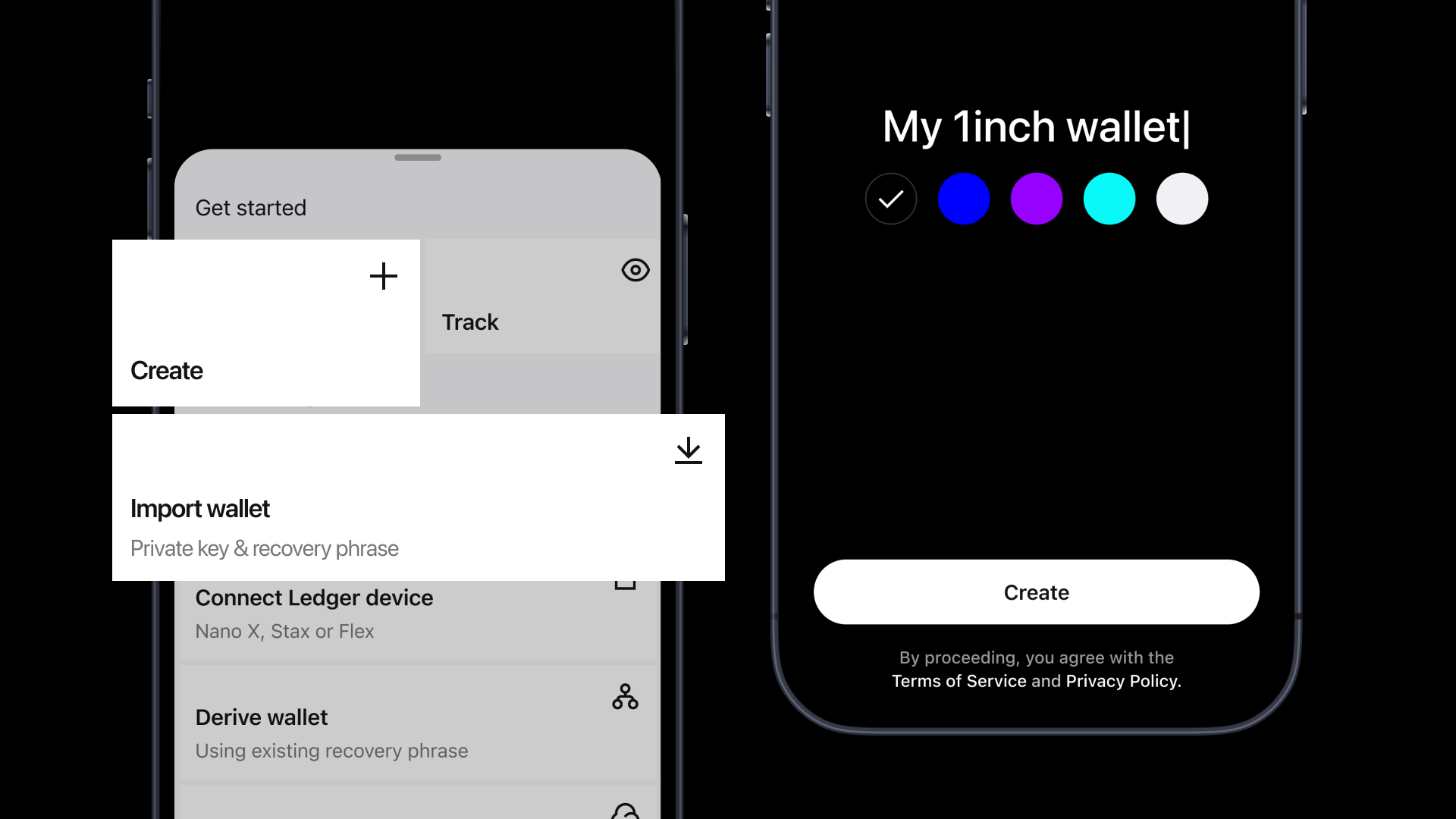
How to create a wallet:
- Download the 1inch Wallet app
- If you already have a crypto wallet, you can import it by entering your seed phrase.
- If you don’t yet have a crypto wallet, tap “Create New Wallet”
- Set a wallet name
- Create a passcode and enable biometrics
- Back up your wallet using one of 3 available options - you don’t have to manually write the seed phrase down.
The wallet is created instantly and is multi-chain by default, supporting multiple networks, such as Ethereum, Solana and BNB Chain and multiple other chains.
Important:
Your recovery phrase is the only way to restore access. Never store it online or share it with anyone. We recommend keeping it on paper (or better, stamp/engrave it onto metal) and store it somewhere secure. Make more than one copy and store them in separate physical locations (e.g., home safe + trusted second site), so a single accident or theft doesn't wipe out your only copy.
Step 2: Understand the interface
When you open the wallet, you land on the main screen, which includes sections: Total balance, Assets, DeFi and Activity.
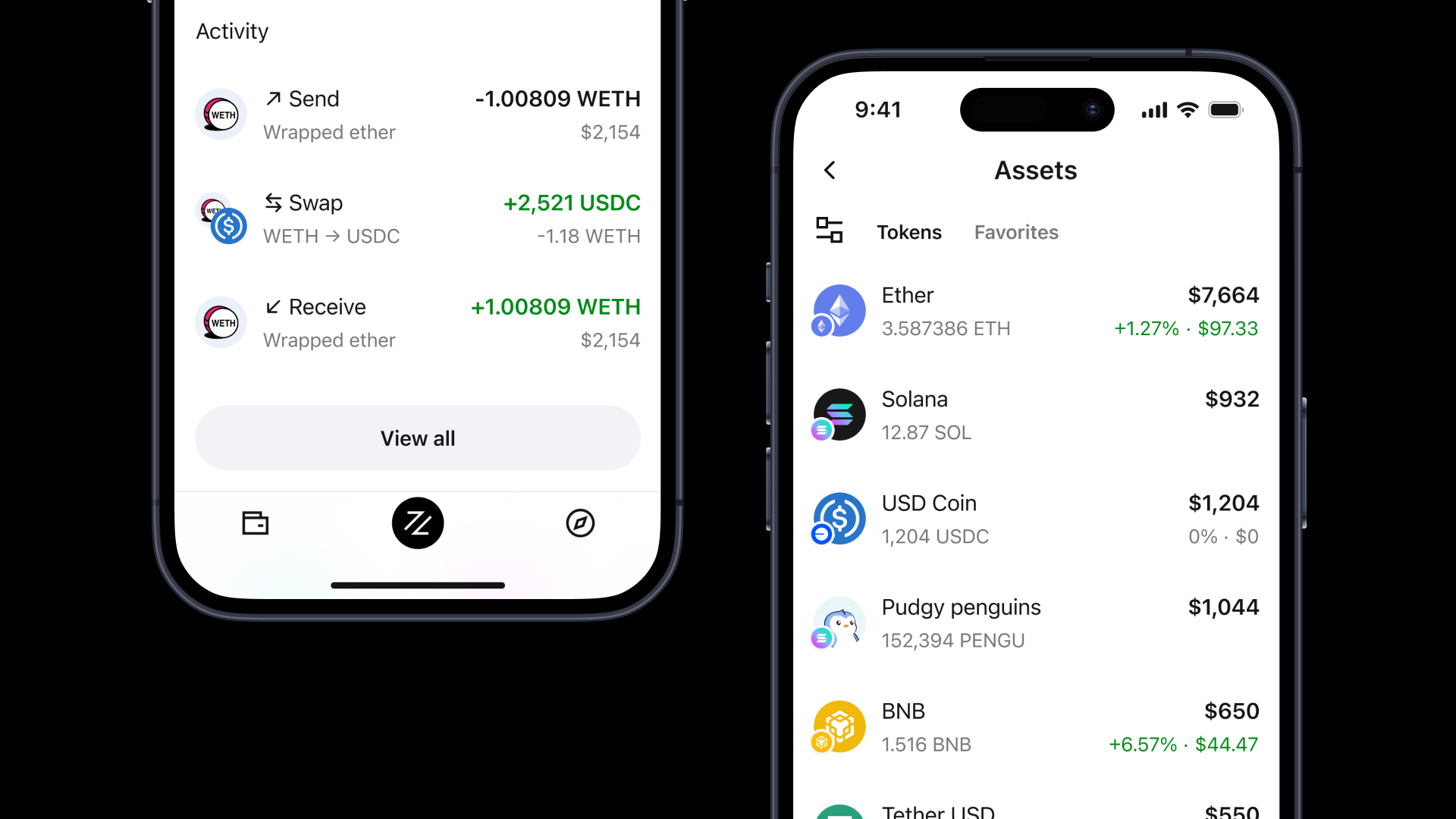
In Total balance, you can see the total value of your assets in USD or another currency (you can select it in Settings).
The Assets section displays all assets you have in your wallet and their total value in crypto and in fiat.
In the DeFi Positions section, you can track your lending, LP, staking, restaking yield and prediction-market positions across protocols and chains.
In the Activity section, you can see your transaction history.
Step 3: Fund your wallet
Before using DeFi, you need to fund your wallet.
In 1inch Wallet, you can:
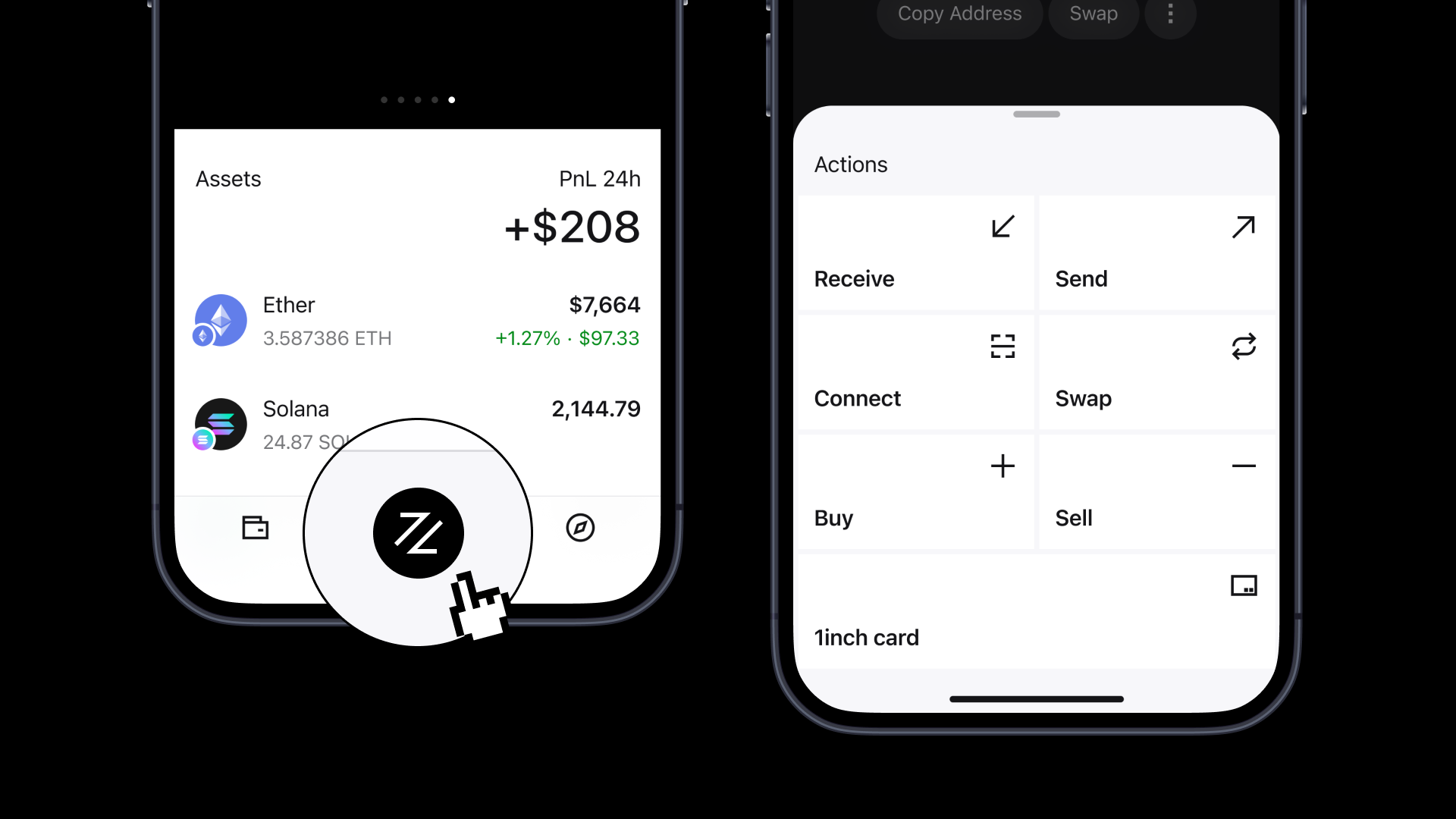
- Buy crypto for fiat - click on Buy in the Actions section, and you’ll be taken to a crypto on-ramp provider
- Receive tokens via your wallet address or QR code
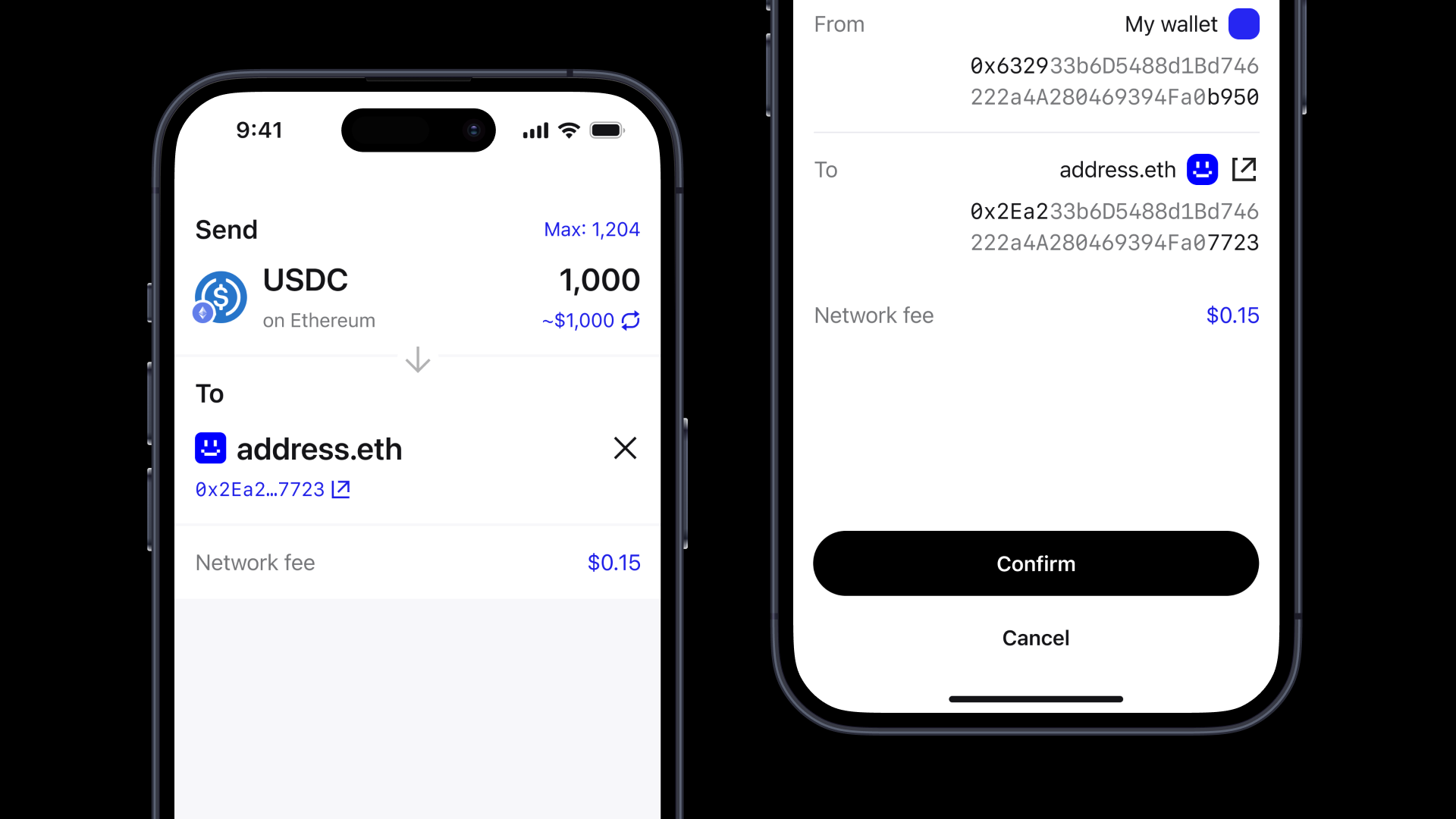
Step 4: Send tokens
When you have crypto in your 1inch Wallet, you can send it to another wallet.
- Confirm the transaction.
- Enter the receiver’s address
- Select the token, amount and network
- Click on the Send icon in the Actions section
Step 5: Swap tokens
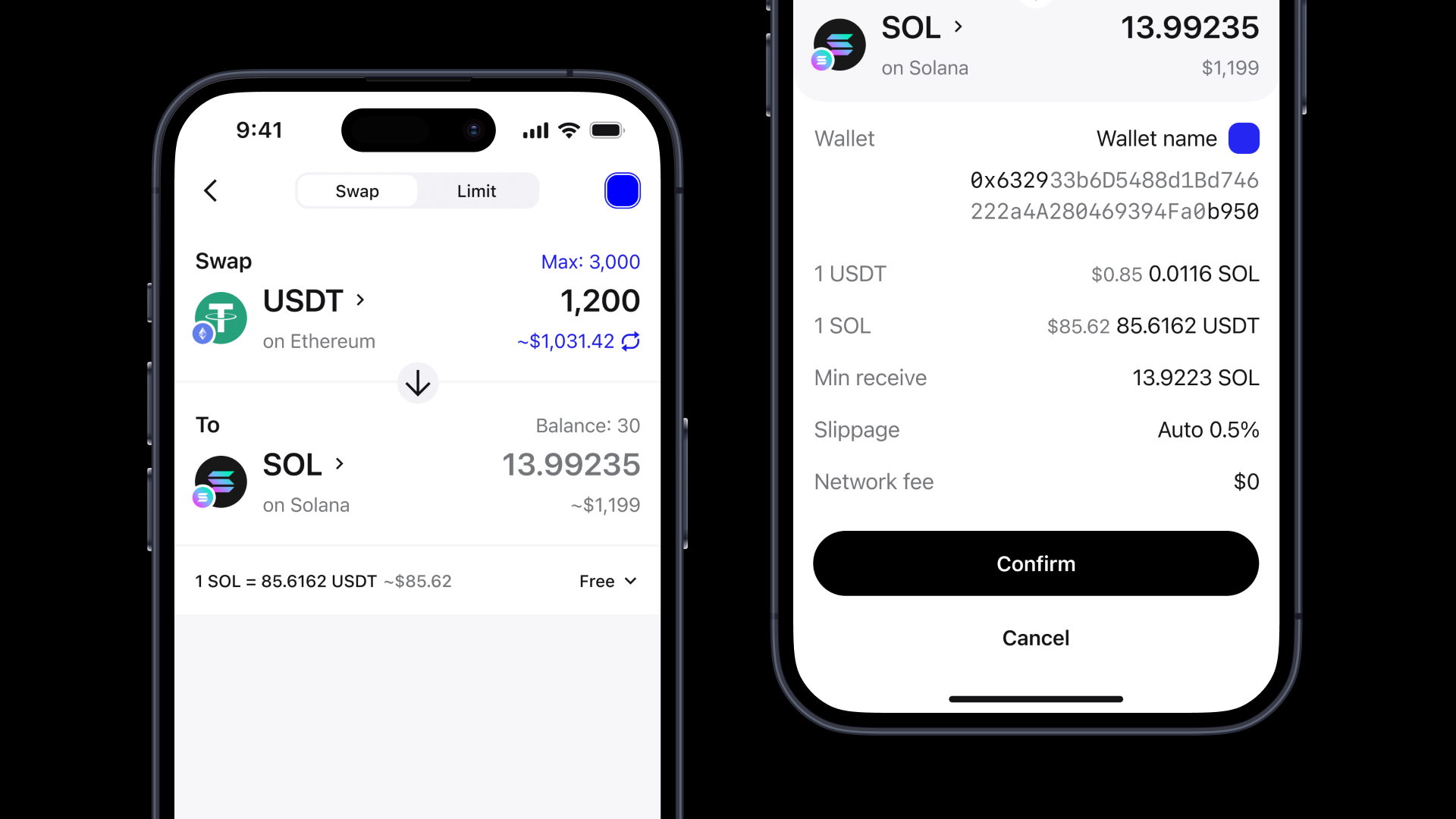
Swapping is one of the core features of 1inch Wallet.
How to swap:
- Tap the Swap icon in the Actions section
- Select tokens
- Enter the amount
- Review the quote
- Confirm the transaction
In 1inch Wallet, you enjoy fast, MEV-protected swaps across multiple chains at the most competitive rates.
Step 6: Explore Web3
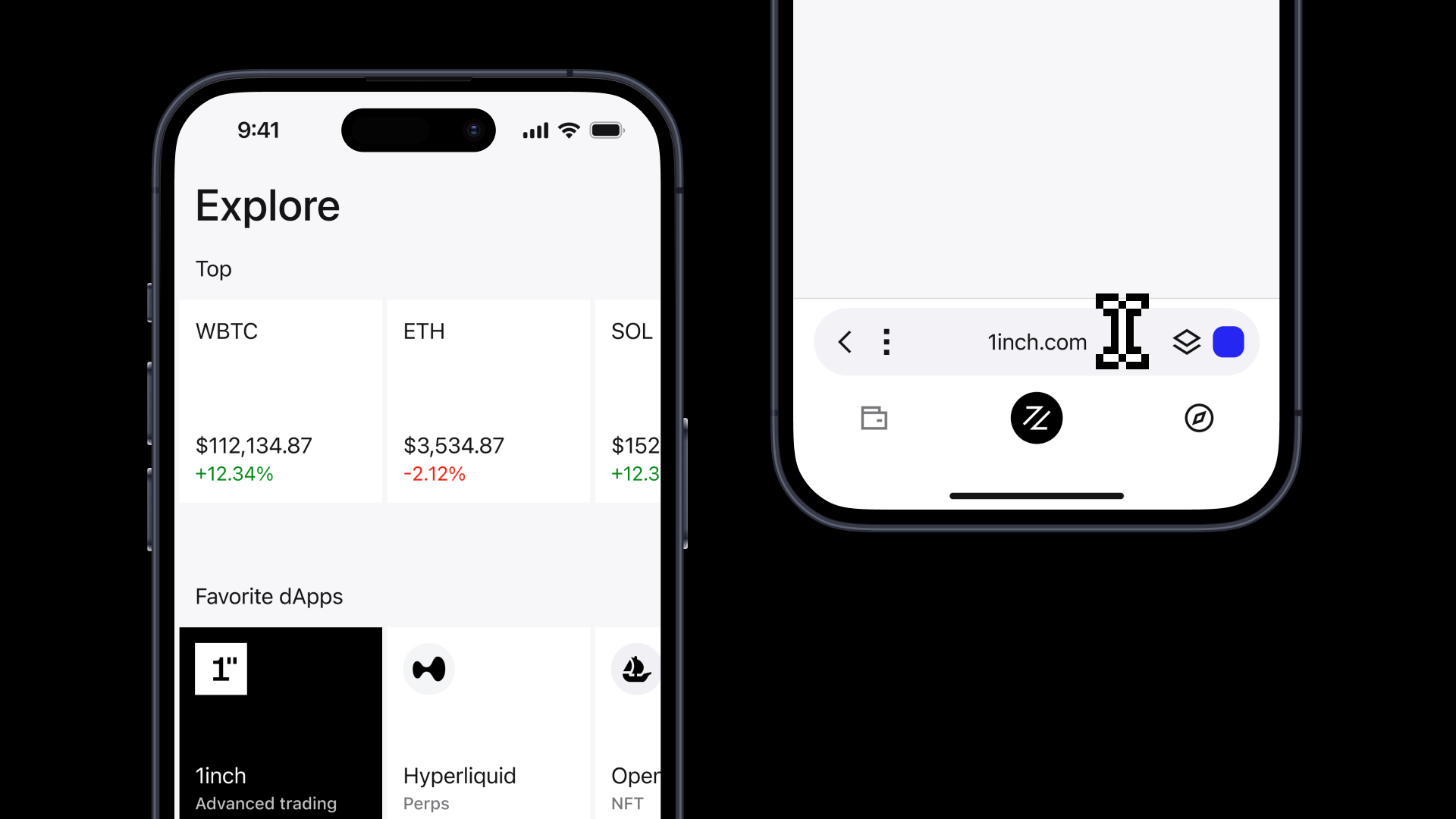
1inch Wallet also enables you to discover the hottest tokens across markets, track their live prices and market data, browse various dApps and check the latest crypto news. To interact with dApps, use the built-in Web3 browser.
Step 7: Stay secure
Security is not optional in DeFi.
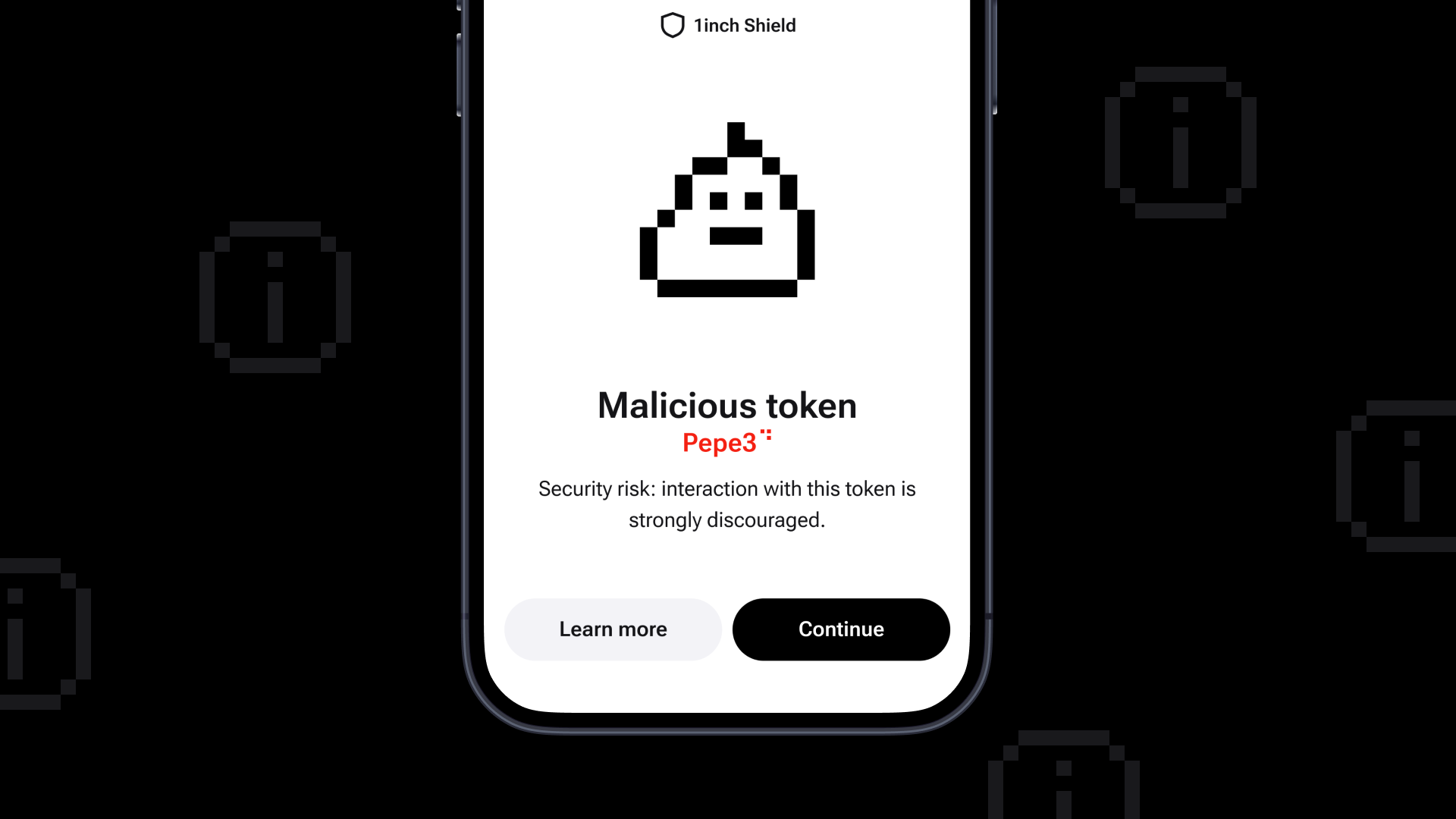
1inch Wallet includes built-in protections:
- Clear signing and transaction results simulation
- Scam warnings for tokens, addresses and transactions
- Biometric authentication
Best practices to stay secure:
- Never share your recovery phrase and keep it offline in a secure location
- Always double-check transaction details
- Avoid unknown or suspicious dApps
*
1inch Wallet is designed to simplify DeFi without compromising control. Store assets securely. Swap tokens efficiently. Access dApps directly.
Download 1inch Wallet and start exploring DeFi!
Share the article


 Copy done!
Recent Posts
What is the CLARITY Act?
The CLARITY Act could give US crypto its clearest rulebook yet. The bill aims to define who oversees digital assets, how crypto businesses must operate and what protections consumers should expect.

RWA trade sizes near-doubles
In April, the average RWA swap size on 1inch rose by roughly 91%, pointing to larger on-chain capital allocation.

Will Bitcoin ever grow exponentially again?
It’s Bitcoin Pizza Day. Behind the memes, plenty of users have a serious question. Can Bitcoin’s period of explosive growth ever repea
